
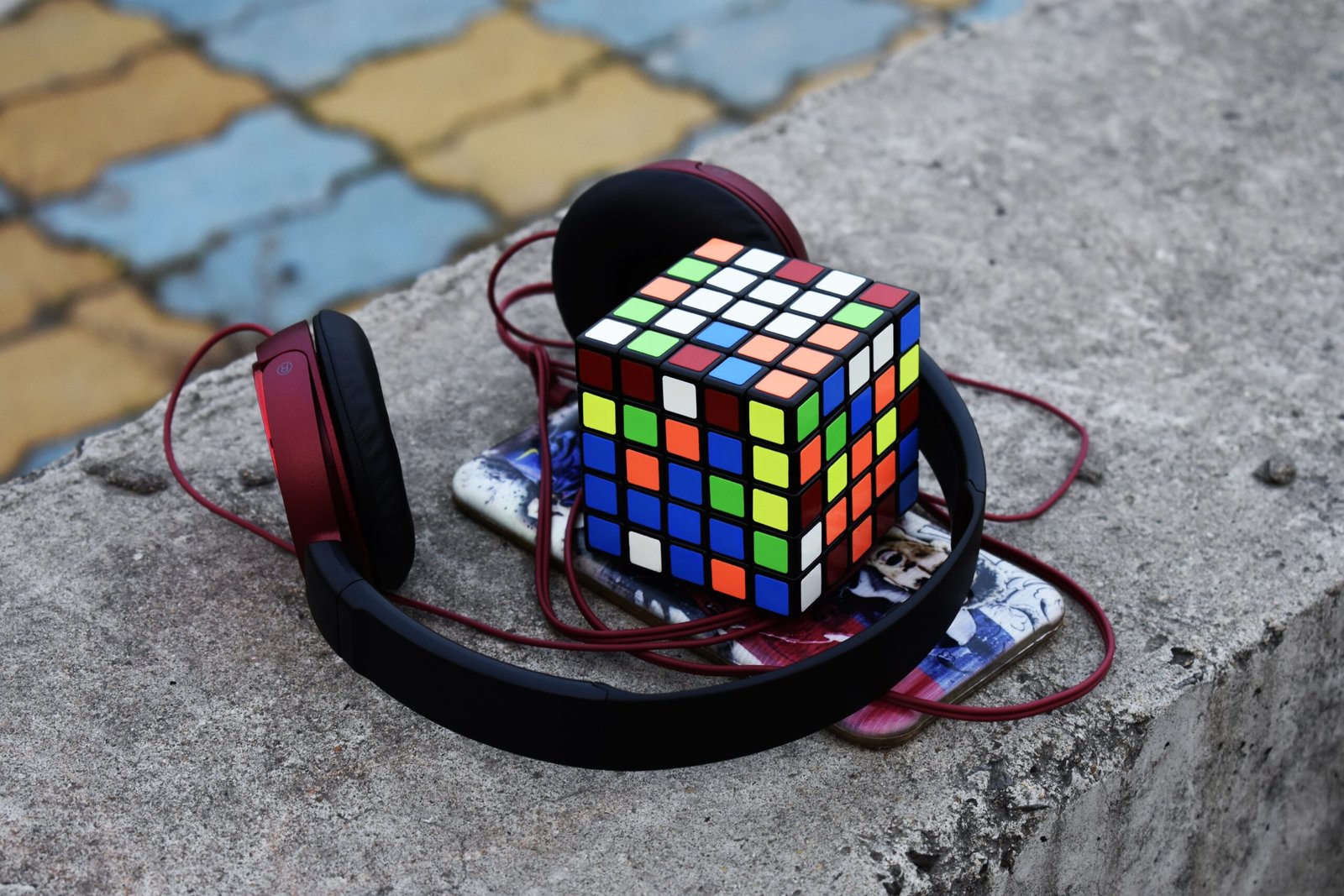
The Ultimate Guide to Choosing Headphones for Your PC
Whether you’re gaming, working, streaming, or just enjoying music, the right pair of headphones can completely transform your PC experience. But with so many options on the market, choosing the perfect pair can feel overwhelming. This guide breaks it all down so you can make a smart, confident choice.
Why Good PC Headphones Matter
Your PC is a powerful entertainment and productivity hub—but without quality audio, you’re missing half the experience. Good headphones deliver:
- Clear, immersive sound for games and movies
- Accurate audio for editing and production work
- Comfortable wear for long sessions
- Noise isolation to keep you focused
In short, the right headphones don’t just improve sound—they improve how you use your PC.
Types of Headphones for PC Use
1. Wired Headphones
These connect directly via a 3.5mm jack or USB port.
Pros:
- Reliable connection (no lag or interference)
- No need to charge
- Often better sound quality for the price
Cons:
- Limited mobility
- Cable management can be annoying
2. Wireless Headphones
These use Bluetooth or a USB dongle.
Pros:
- Freedom of movement
- Clean, cable-free setup
Cons:
- Requires charging
- Potential latency (important for gaming)
3. Gaming Headsets
Designed specifically for gamers, often with built-in microphones.
Pros:
- Surround sound features
- Integrated mic for communication
- Comfortable for long sessions
Cons:
- Can be bulky
- Sometimes prioritize features over sound quality
4. Studio Headphones
Ideal for music production, editing, and critical listening.
Pros:
- Accurate, balanced sound
- High-quality build
Cons:
- Less emphasis on bass or “fun” sound
- Often lack built-in microphones
Key Features to Look For
Sound Quality
Look for balanced audio with clear highs, mids, and lows. If you’re gaming, directional sound (like footsteps) is crucial.
Comfort
If you spend hours at your PC, comfort is non-negotiable. Look for:
- Memory foam ear cushions
- Adjustable headbands
- Lightweight design
Microphone Quality
If you attend meetings or game online, a good mic is essential. Some headphones offer detachable or noise-cancelling microphones.
Noise Isolation vs Noise Cancellation
- Noise isolation blocks sound physically (closed-back design)
- Noise cancellation actively reduces background noise (ideal for noisy environments)
Connectivity
Make sure your headphones are compatible with your PC:
- 3.5mm jack (universal)
- USB (better for gaming features)
- Bluetooth (for wireless setups)
Open-Back vs Closed-Back
Open-Back Headphones
- Airy, natural sound
- Better for music and editing
- Leak sound (not ideal in shared spaces)
Closed-Back Headphones
- Isolate sound well
- Stronger bass
- Better for gaming and noisy environments
Best Use Cases
- Gaming: Look for surround sound, low latency, and a good mic
- Work/Meetings: Prioritize comfort and microphone clarity
- Music/Editing: Choose studio-quality, balanced sound
- Casual Use: Go for comfort and versatility
Final Thoughts
Choosing the right headphones for your PC depends on how you use it. Gamers might prioritize immersive audio and communication, while professionals may need precision and comfort. There’s no one-size-fits-all solution—but by understanding your needs and the features that matter, you’ll find the perfect pair.
Investing in good headphones is one of the simplest ways to upgrade your PC setup—and once you experience the difference, you won’t want to go back.





Leave A Comment